Digital AI
Digital AI learns from text, code, images, and feedback. The data already exists online. It is mostly screen-based and scales on servers.
GI Philippines
Your team already cleans, packs, restocks, sets up, inspects, and resets every day. Robots need to learn how that work actually gets done in real places, by real people, under real constraints.
GI records approved tasks under your rules and reviews the data for scope, safety, privacy, and quality. You choose the areas, people, hours, exclusions, and stop authority. We bring the equipment, operators, onsite lead, and review process.
Why this exists
Text models learned from digital information: documents, code, images, conversations, and feedback. Much of that data already existed at internet scale.
Robotics is different. Robots need to learn how people move through real spaces: picking up tools, wiping surfaces, packing boxes, restocking shelves, checking rooms, resetting areas, and correcting small mistakes mid-task.
That data has to be collected where the work happens, with real constraints and real rules in place. GI works with sites that already have useful, repeatable work happening every day.
Digital AI learns from text, code, images, and feedback. The data already exists online. It is mostly screen-based and scales on servers.
Physical AI learns from tasks, motion, tools, objects, and real spaces. The data has to be captured on approved real-world sites with people, devices, safety rules, and site approval.
What we record
A pilot is not open-ended filming and there are no robots installed at your site. It is a small, scoped recording window. GI records approved volunteers doing approved physical work, and nothing else.
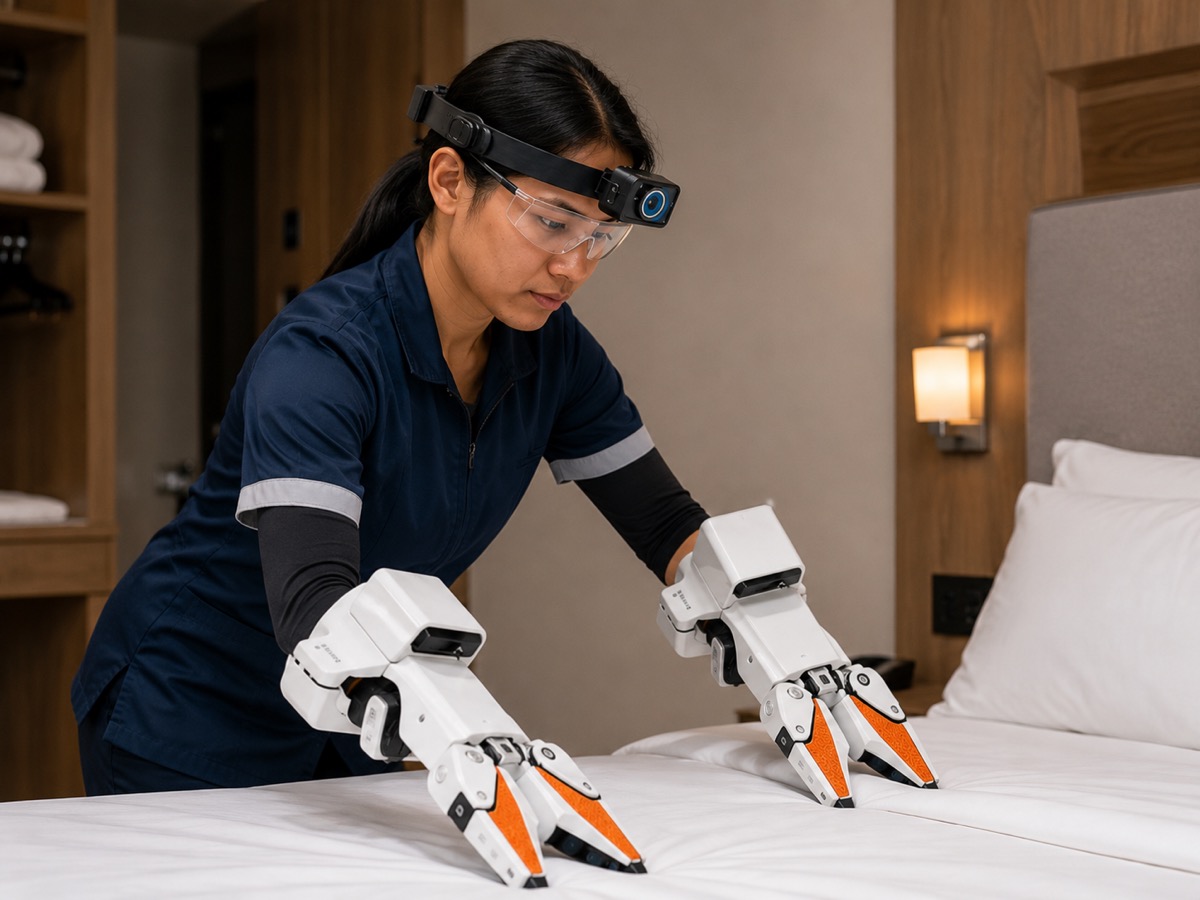
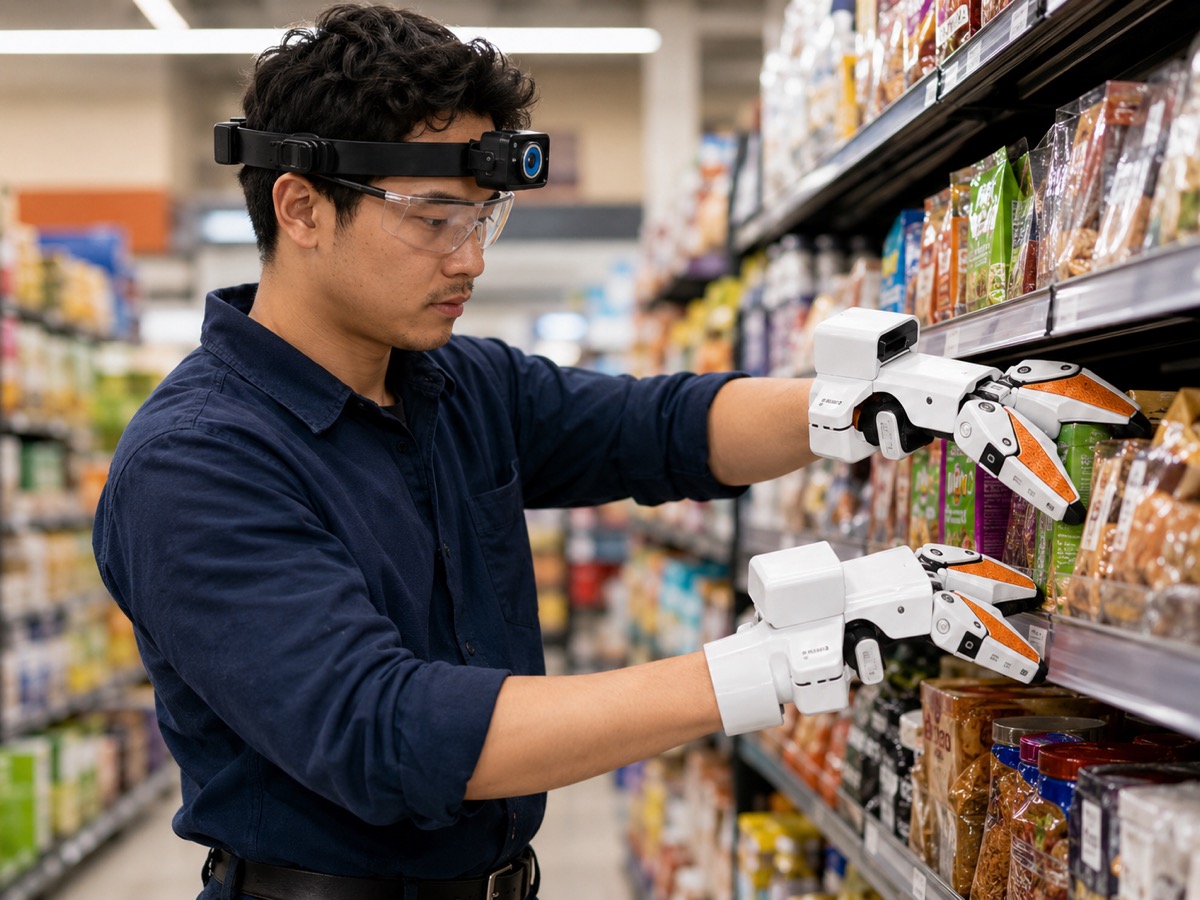
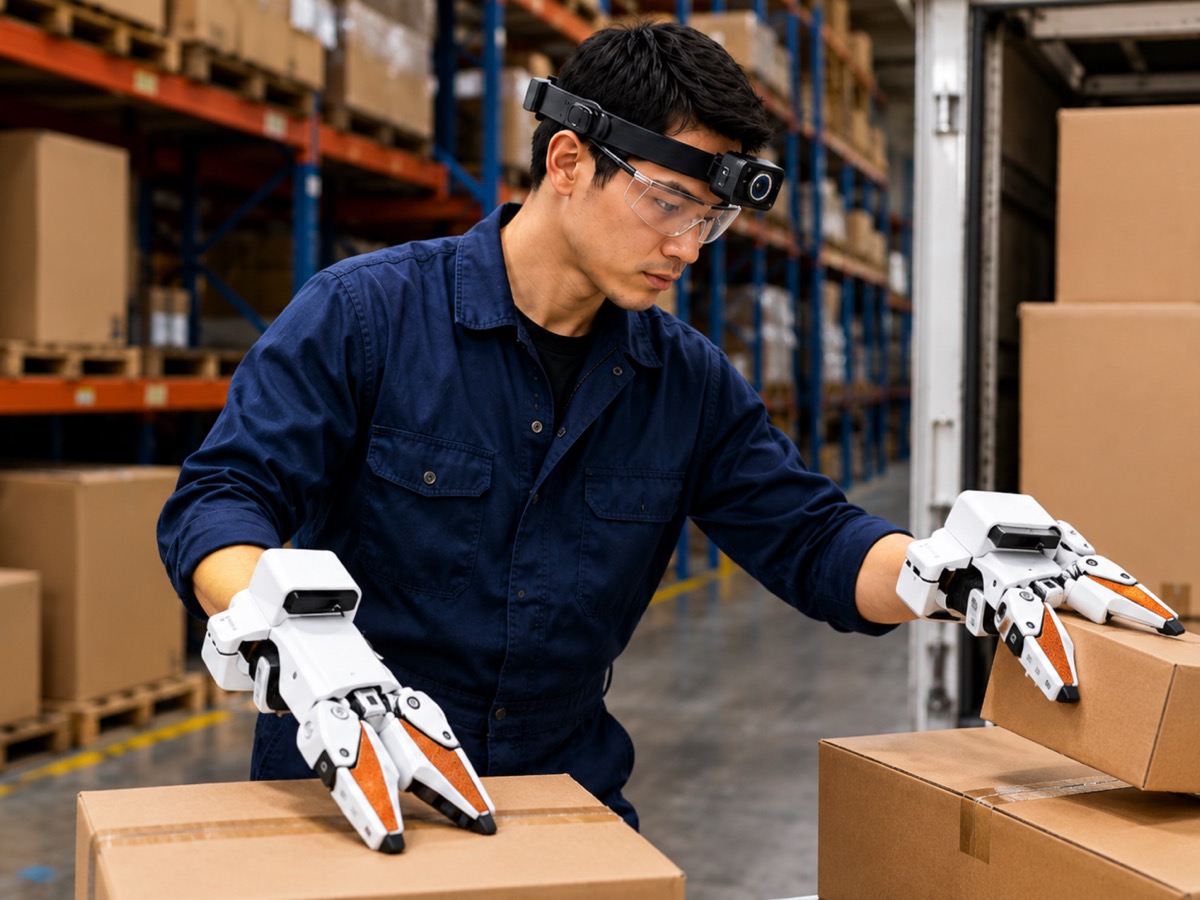
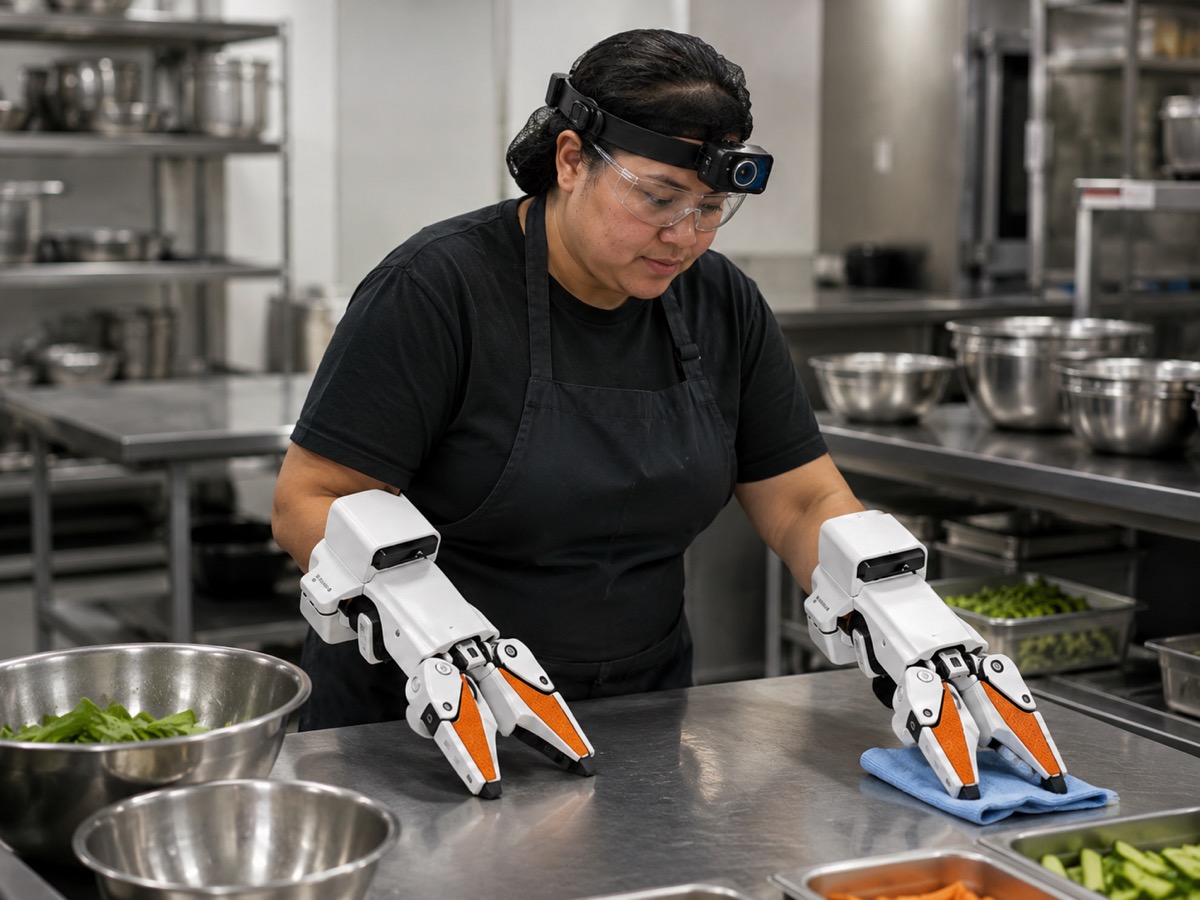
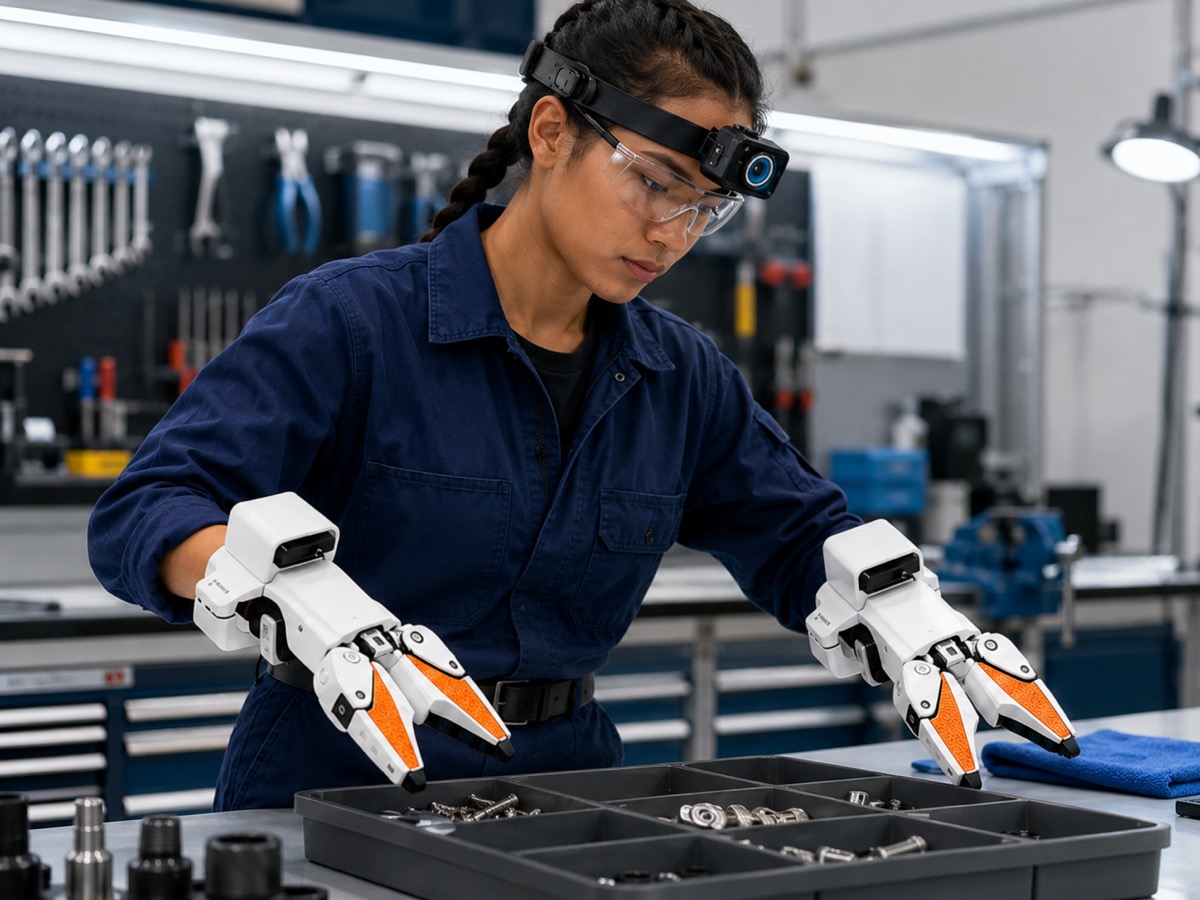
What the worker sees: routes, shelves, tools, surfaces, obstacles, timing, and safety context.
How hands and tools touch approved objects: cleaning, packing, aligning, restocking, tightening, moving, resetting.

Examples
First pilots stick to low-risk work where the task boundaries, privacy lines, and safety limits are obvious.
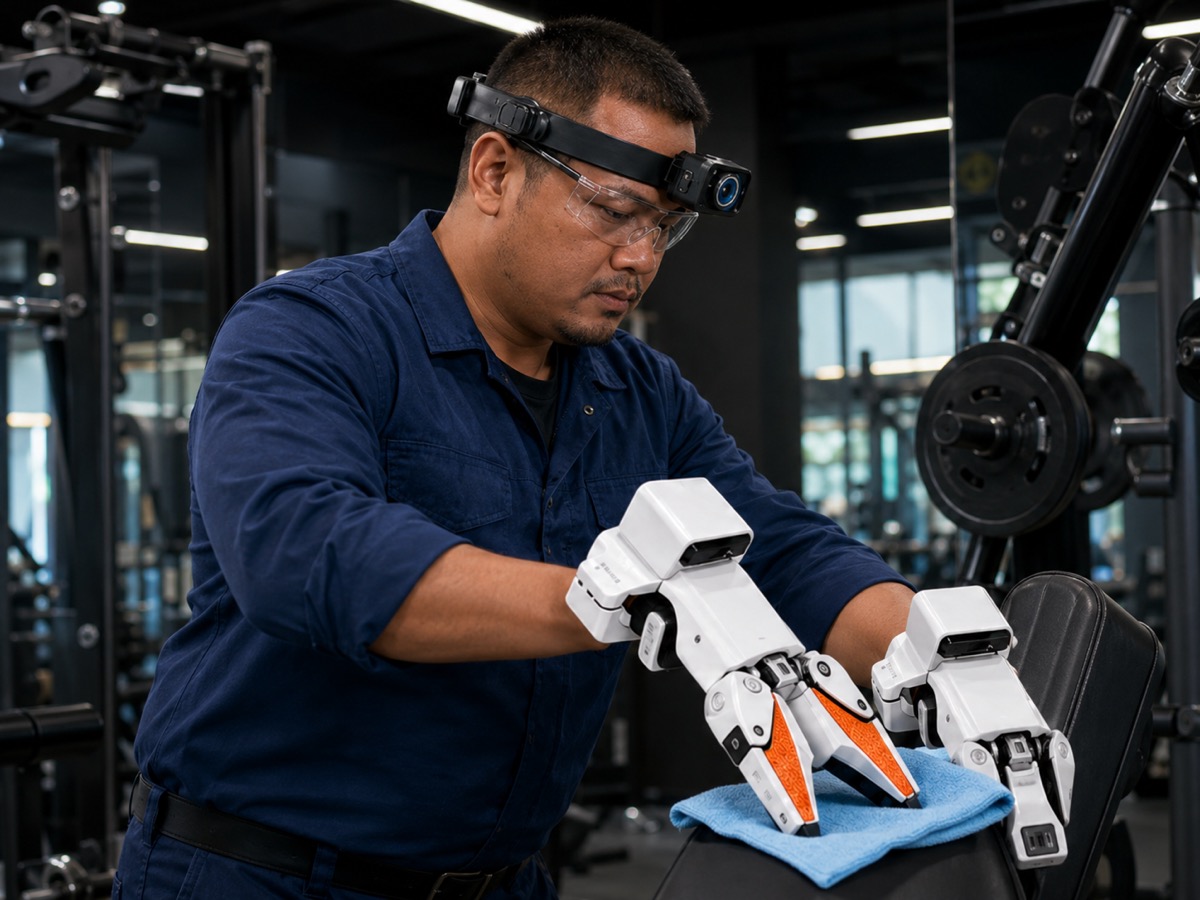
Contact-rich cleaning around a sink, bowl, cloth, and water.
Moving equipment, prepping work areas, working around real site constraints.
Aligning, holding, tightening, clamping, working around fixtures.
Higher-risk work is never a first default. Exterior, edge, hot-work, hazardous, or sensitive-area tasks only happen with a separate written safety scope, extra supervision, and clear exclusions.
How it works
The first step is deliberately small: confirm the site fit, agree on the boundaries, run a controlled recording window, then review whether a larger scope makes sense.
We learn the physical workflows, likely exclusions, approval path, and low-disruption windows.
You decide who can participate, where recording is allowed, and what must stay off-limits.
GI handles capture equipment, operators, setup, supervision support, and technical troubleshooting.
Approved volunteers perform approved physical work during agreed hours under visible site rules.
GI reviews scope, privacy, safety, and quality, then reports which task families produced useful signal.
Controls
This should feel under your control before anyone puts on a device. The scope, people, timing, privacy lines, and stop rules are agreed before recording begins.
 Approved zones onlyYour rules define where and when we collect.
 Volunteer staffParticipation is optional and always respected.
 Audio off by defaultWe capture only what the task requires.
 No private data without sign-offYou review and approve every boundary.
 Site stop authorityYou can pause or stop anytime.
 Review before useWe review for quality, safety, privacy, and scope.
Customer faces and private areas. Screens and documents. Trade secrets and confidential workflows. Unapproved staff. Bathrooms, locker rooms, break rooms. Unsafe tasks. Audio unless separately approved. Anything you mark off-limits.
Site value
Most recorded footage does not become useful data. GI reviews approved footage for scope, privacy, safety, and quality, then reports which task families produced usable candidate data.
Reviewed task data from approved volunteers, approved tasks, and approved areas.
A clear summary of what was recorded, what was useful, what was rejected, and whether the scope stayed comfortable and safe.
High-level operational patterns inside the approved pilot scope, without hidden monitoring, attendance tracking, discipline, or worker ranking.
Payment can be scoped as a site access fee, cost-covered pilot, or upside tied to data that clears later acceptance rules. No revenue is promised.
Qualified sites can request a private pilot brief with example tasks, controls, likely pilot shape, and next steps.
Site fit
Good first sites have repeatable physical work, clear supervision, and recording rules that stay simple.
Common starting points by site type
Start a conversation
A first call covers your physical workflows, areas to exclude, consent process, low-disruption windows, safety limits, and whether the commercial side is worth scoping.
Your information is kept private and used only to prepare for your introductory briefing. We never share your details.